
Download Clauncher – Android launcher, app launcher, productivity tool, customizable interface, home screen replacement
Overview
Clauncher is a desktop-style application designed to enhance the Android user experience by offering a streamlined and customizable interface for managing apps and digital workflows. As a home screen replacement, it aims to improve navigation efficiency and personalize the device’s primary interface. The software is positioned as a productivity tool for users who value organization, quick access, and visual clarity on their mobile devices.
Designed for Android users seeking an alternative to default launchers, Clauncher caters to both casual users and professionals who rely on their smartphones for daily tasks. It provides a clean, intuitive layout that prioritizes accessibility and workflow optimization. Real-world usage scenarios include setting up dedicated workspaces for apps, organizing frequently used tools into folders, and customizing visual themes to match personal preferences.
The developer, Clauncher, did not provide additional background information about their development history or team. However, the software’s release date of March 21, 2024, indicates it is a relatively new entrant in the Android launcher market. The application is available at no cost, suggesting a freemium or ad-supported model may be in place, though details were not disclosed.
Key Features & Capabilities
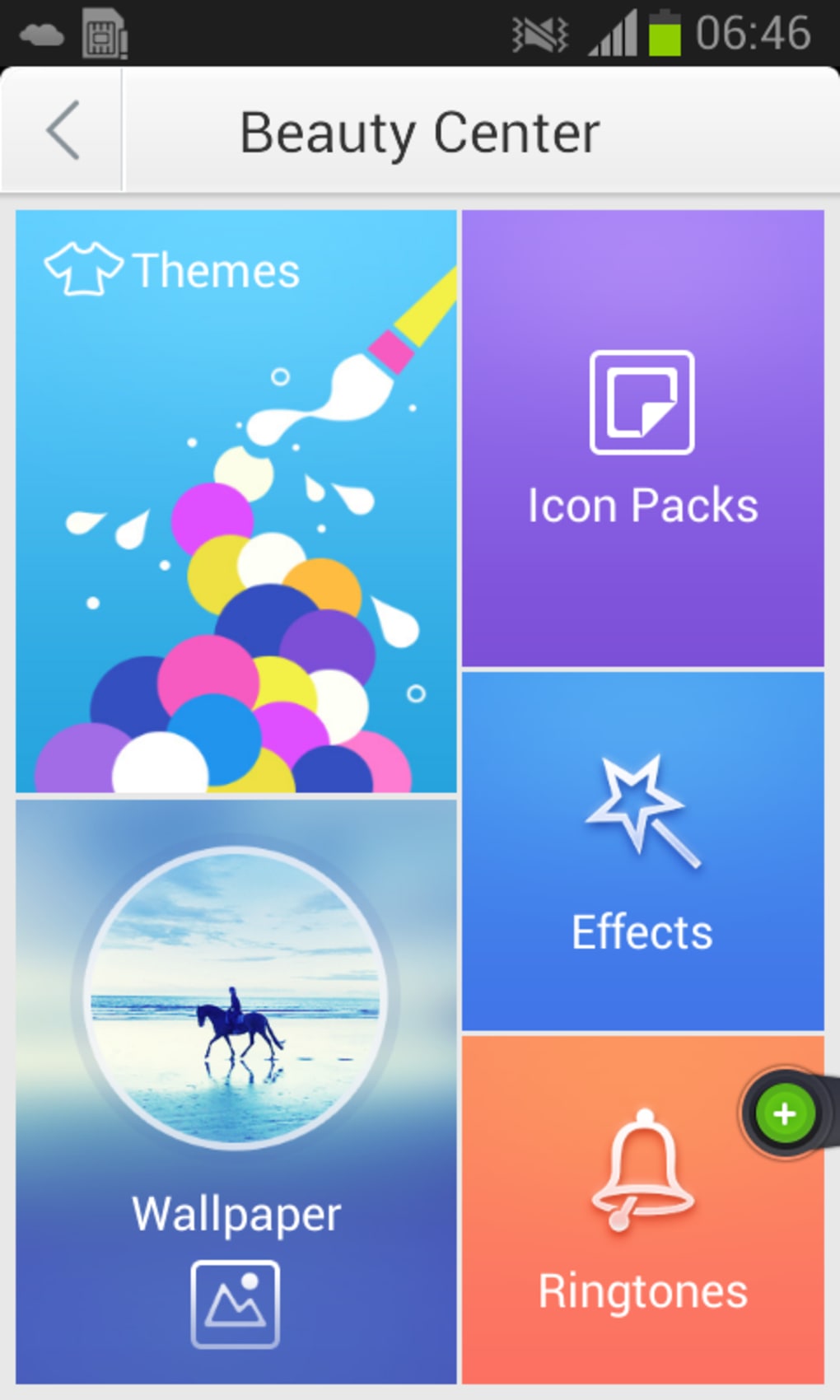
- Customizable Interface: Users can personalize the home screen layout, icon size, and wallpaper to suit individual preferences, enabling a more tailored user experience.
- App Launcher Functionality: Provides one-tap access to installed applications, reducing the time spent navigating through menus or app drawers.
- Productivity-Oriented Design: Focuses on minimizing distractions and streamlining workflows through a minimalistic, task-first layout.
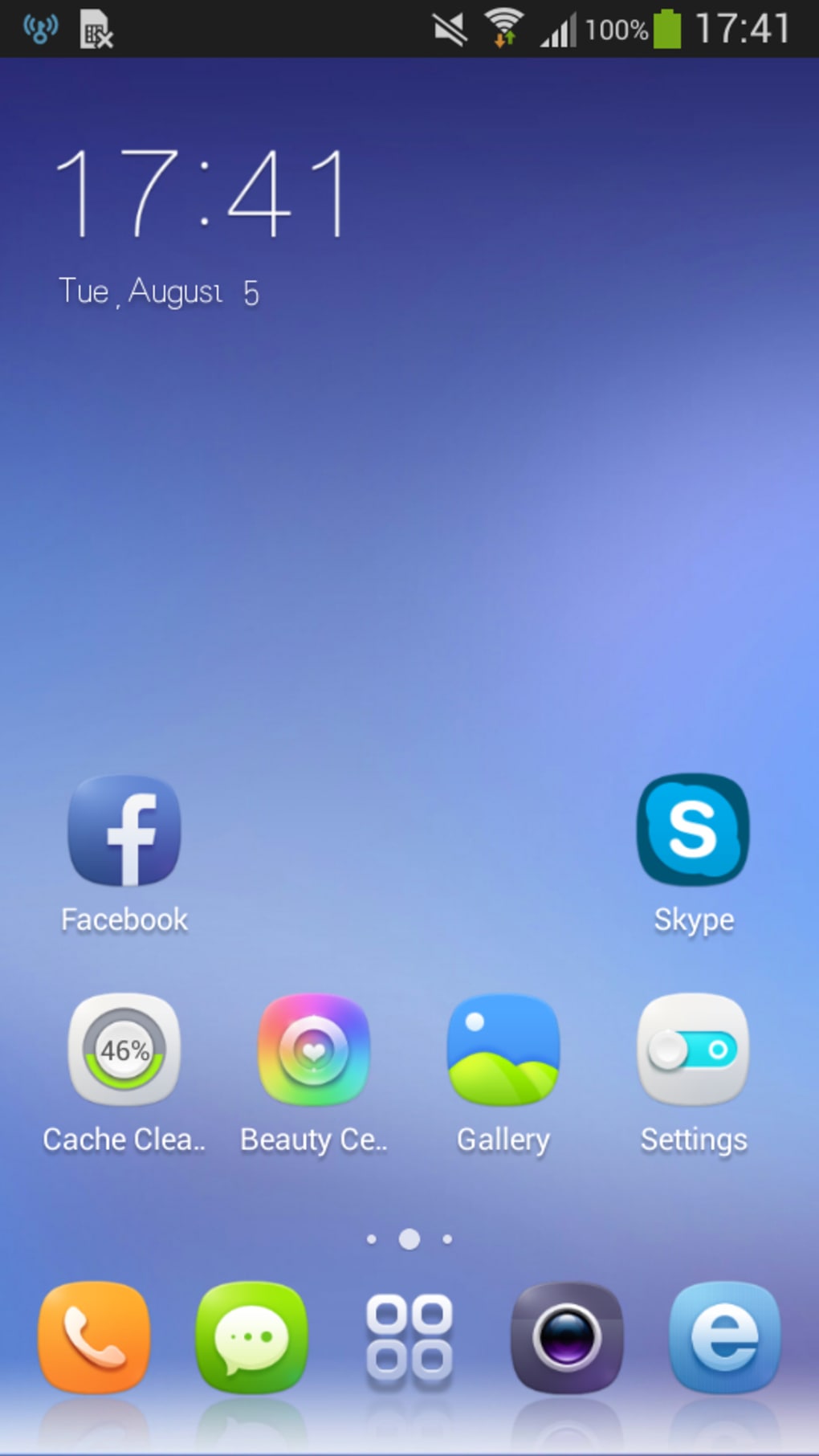
- Home Screen Replacement: Acts as a full alternative to the default Android launcher, allowing users to redefine how they interact with their device.
- Efficient App Organization: Supports drag-and-drop functionality for arranging apps into folders or dedicated workspaces.
These features are particularly useful for users managing multiple apps across personal and professional contexts. For example, a remote worker might create a “Work” workspace with tools like email, calendar, and project management apps, while keeping entertainment apps in a separate section. The customizable interface also benefits users with accessibility needs, such as those requiring larger icons or high-contrast themes.
User Interface, Workflow & Performance
The user interface of Clauncher is structured around simplicity and direct access. Navigation is designed to be intuitive, with a focus on reducing steps between launching an app and completing a task. The layout emphasizes clarity, using consistent spacing, visual hierarchy, and responsive touch feedback.
Workflow efficiency is enhanced by the app’s ability to group related applications and prioritize frequently used tools. The drag-and-drop system allows for quick reorganization without requiring advanced technical knowledge. However, exact performance details were not specified by the developer, and no benchmarks were provided regarding CPU or RAM usage.
General observations suggest that the application functions smoothly on standard Android devices, but specific stability metrics or load times were not included. The developer did not specify resource usage details, so users should monitor performance based on their device’s behavior during use. Overall, the interface is responsive and designed to maintain a seamless experience across different screen sizes and orientations.
Compatibility & System Requirements
Clauncher is designed for the Android operating system, making it compatible with a wide range of smartphones and tablets that run on Android. The software version is 1.0.0, indicating it is in its initial release phase. The installation size is 10.2 MB, which is relatively lightweight and suitable for devices with limited storage capacity.
Exact system requirements were not listed by the developer. Compatibility information is limited to the OS platform, and no specific hardware specifications—such as minimum RAM, processor speed, or GPU support—were provided. Users should ensure their device is running a supported version of Android, though the exact minimum version is unspecified. The lack of detailed compatibility data means users may need to test the application directly to confirm functionality on their device.
Pros and Cons
Pros
- Lightweight installation at only 10.2 MB
- Free to download and use
- Customizable interface for personalized home screens
- Designed to improve productivity through streamlined navigation
- Full home screen replacement functionality
Cons
- Exact system requirements not specified
- Performance metrics not disclosed
- Developer background information unavailable
- Limited compatibility details beyond Android OS
- No information on update frequency or future development roadmap
FAQ Section
Is Clauncher compatible with all Android devices?
While Clauncher is designed for Android, the developer did not specify the minimum Android version or hardware requirements. Users should verify compatibility directly on their device.
Is Clauncher safe to download and use?
Clauncher is available as a free download. The software’s security practices were not detailed by the developer, so users should ensure they download from trusted sources.
Does Clauncher require an internet connection to function?
The application can operate offline once installed. However, updates or additional features may require internet access.
Can I use Clauncher alongside my current launcher?
Yes, Clauncher can be set as the default launcher while other launchers remain installed. Users can switch between them at any time.
What kind of license does Clauncher use?
Clauncher is offered for free, but the specific license type was not disclosed by the developer.
Final Thoughts
Clauncher presents a promising option for Android users seeking a more efficient and personalized way to interact with their devices. With its focus on productivity, customizable interface, and lightweight design, it serves as a solid alternative to default launchers. While detailed technical information is limited, the software’s core functionality is clear and well-aligned with user needs for organization and speed.
Although the lack of system requirements and performance data may raise concerns for some users, the free availability and minimal installation size make it low-risk to try. Professionals, students, and tech-savvy individuals who value control over their mobile experience will likely benefit the most from its features.
Download Clauncher now to transform your Android home screen into a more efficient, personalized workspace.





.png)

